Rolsbet Plinko rows and risk
Rolsbet’s game description names low, regular and high risk, and says the board can be set between 8 and 16 rows. Begin a comparison at a fixed row count. Then change the risk level and read the centre and outside multipliers again. This separates the effect of changing values from changing the layout.
The operator describes a round that resolves as soon as the ball reaches its landing bin. For comparison with a published example, record which settings were selected before quoting any multiplier. If two risk levels show the same headline number in different contexts, the full distribution matters.
RolsGames and the published currency
The operator page uses EUR when describing example limits. Treat those as details of that listing. Converting them into NZ dollars would give a rough price comparison, but would not establish which limits or currencies a New Zealand account may have.
Look for the active stake field to verify the unit and the game panel to verify the mode. The real-money guide explains why the game payout, cash balance and later withdrawal can each show different figures.
What you can compare with Rolsbet
- Rows. Use the operator’s stated 8–16 range when comparing its published configuration.
- Risk. Compare low, regular and high at the same row count.
- Account. Check the applicable rules for currency and payment details separately.
Our free simulator only uses three sample row counts and its own multipliers. It can illustrate layout changes without assuming anything about the operator’s underlying probabilities.
Finding the same game on a phone
A mobile search result can open a catalogue page or a game view depending on the host and region. Check the RolsGames context and title before comparing what the phone shows with a desktop screenshot.
A button labelled Play may open a demo or ask for a sign-in. The balance label and game help are stronger clues. Read the app guide if the link offers an installation file instead of a browser page.
Finding RolsGames on Rolsbet
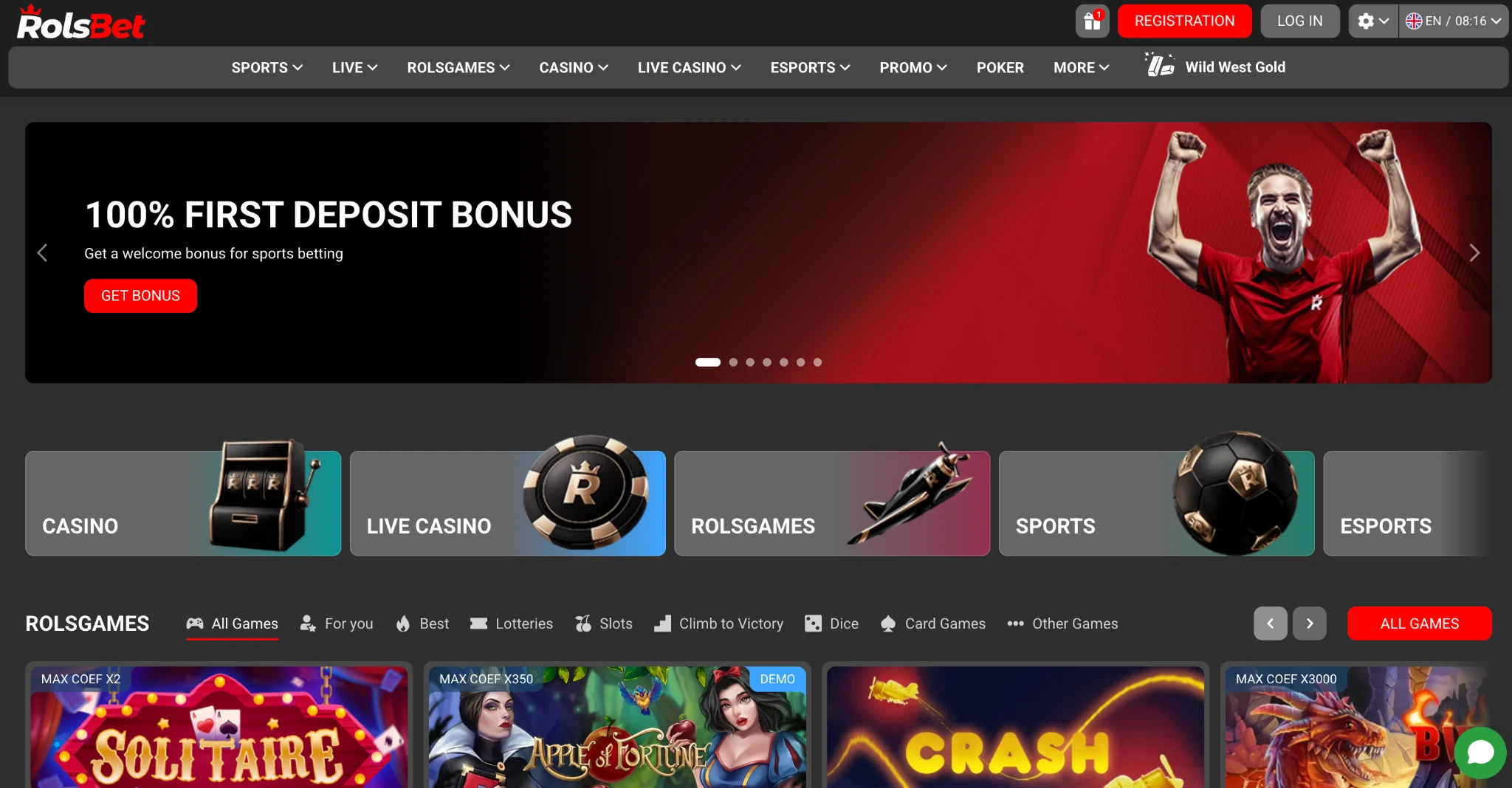
On the archived homepage, RolsGames and Casino have separate places in the navigation, and there is a row of RolsGames titles lower down the screen. That distinction helps explain the operator’s published instructions, which place the named game under RolsGames. To document the listing, retain the category alongside the game title. A search result could land directly on a game page and miss the catalogue path completely.
A visual record of the homepage answers a narrower question. It shows where the category appeared when the screen was captured, along with the look of the tiles around it. It does not show the complete game interface. The operator’s public rules are the source for the description of the pyramid and its settings. Keep the homepage as navigation context when you have only one of these sources, and use current game information for an exact board comparison.
As an example, imagine you were comparing game pages on two brands and found that both used the plain word Plinko above a row of coloured cells. Write down which category led to each and look for the full game identifier in the corresponding information panel. If the only thing in common is the visible title, that gives you a useful item to compare without establishing that the provider or payout table match. The distinction also matters if the operator later publishes another ball-drop game beside the existing one. Your notes can keep each entry tied to the menu or listing where it appeared.
Comparing two Rolsbet board settings
This operator provides more detail about configurations than a bare catalogue tile. Its game description gives separate controls for row count and risk. To see how a published table changes, start with an identifiable pair such as eight rows and regular risk, then change just one setting in your notes. If you move to another row count and another risk label at the same time, keep the two configurations as separate examples. You will have a harder time attributing a changed part of the table to one selection.
Rows and risk
The number of rows describes the size of the pyramid. The risk label helps identify a version of the payout table. They are different pieces of the record. A wider board can give you more landing cells to label. A changed payout schedule can widen or narrow the gap between the centre and the outside for a given board. If a multiplier occurs more than once, keep each occurrence in the position shown. Counting distinct multiplier values alone can miss how many landing positions the screen contains.
Possible outcomes and frequency
Look out for the difference between a display range and a frequency. If one illustrative table has edge values of 8× and another has 12×, you can describe the largest displayed return for each of those tables. To compare what happens over many rounds you would need the landing probabilities for those configurations too. How wide the spread looks on the screen cannot tell you which result comes next. The distinction applies even when the operator provides a detailed written description of the controls.
What the Rolsbet sign-up image can show
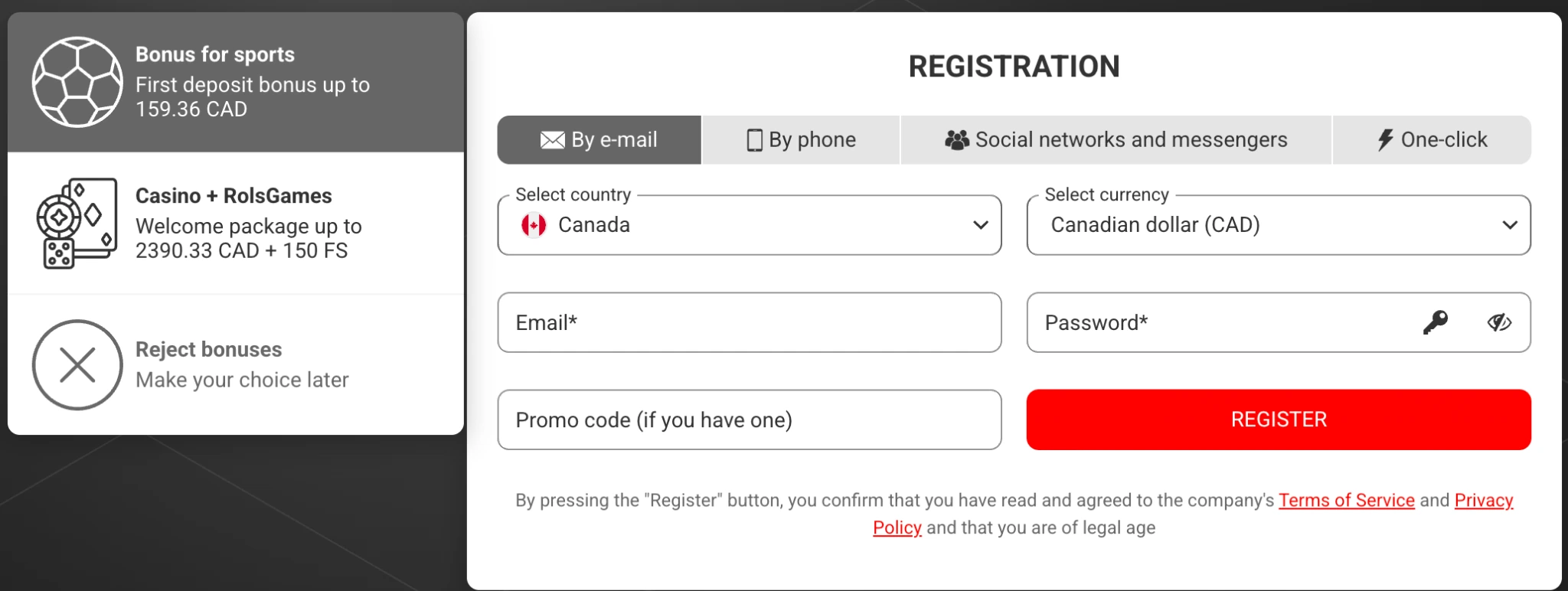
The archived sign-up image has country and currency selectors as well as sign-up and welcome-offer choices. These are interface controls the viewer can recognise from the capture. The settings pictured belong to that captured form. The EUR amount in the public game description comes from a separate source, and its currency is already named there. If you are documenting both, write the sign-up capture and the published game rules as separate entries. Their currencies can differ without any arithmetic error.
An amount typed in a game panel is easier to interpret when the unit is explicit. Imagine an example in which the stake is two units and the multiplier is 3×. The round return is six units. The increase after accounting for the stake is four units. You can work that out while leaving the currency completely open. To express the result in a particular currency, first establish which unit was used. Any later conversion or account transaction belongs in a separate line rather than in the round calculation.
The gap matters when a review quotes figures from a rules page and shows a different currency next to a form. A reader may assume the form converted the numbers, when the form only illustrates how some settings are presented. Keep each amount beside the context where it appeared. This is also a useful way to organise a payment question. Keep the game record, the balance label and any withdrawal terms separate so a result in one place does not become an unsupported promise about another.
What a promotions grid can confirm
The archived promotions page shows a grid with several kinds of offers and tabs that group them. A tile can help identify the category of the offer at the time the screen was captured. Its headline gives far less information than the full rules it links to. A promotion and a named game in the RolsGames section are two different entries, and comparing their headings is only the first step towards establishing a connection.
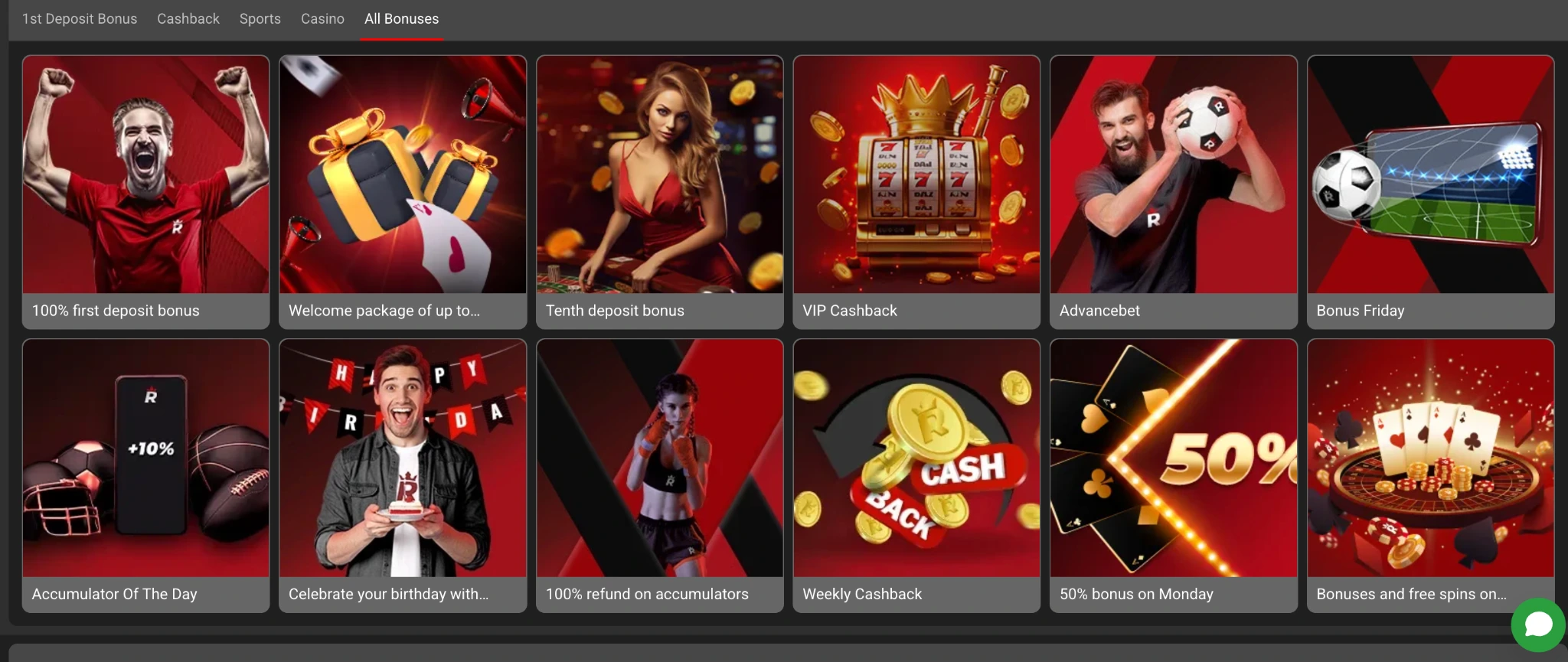
If you want to read an offer alongside the game rules, first distinguish the time to claim it from the time to meet any conditions. Those could be different periods. Next check the eligible-title list for the exact game name, rather than relying on a general category. Finally read any conditions about game contribution or the amount of a stake. Each question can be answered separately from a single headline amount. If the terms do not identify the game, leave the connection unresolved.
As a hypothetical example, an imaginary offer could name RolsGames as a category and still list exceptions for individual titles. A reader who saves only the category name would miss the exceptions. Save the relevant term, its date or version if shown, and the exact title involved. That gives a more useful record than older artwork. The published game panel is the source for row and risk settings. The offer terms, where available, are where the eligibility and conditions need to be established.
Reading a record after a drop
In this style of game, the animation has two jobs for a viewer. It shows the board visually and points to the landing cell selected for the round. A history entry or result display provides different evidence, such as the settings or a settlement value. If you need to work out a result, match the round you watched to the corresponding line in the history instead of comparing a selected cell with the total balance several rounds later.
| Entry | Stake | Gross return | Net change |
|---|---|---|---|
| Round 1 | 1 unit | 0.8 units | −0.2 units |
| Round 2 | 1 unit | 1.4 units | +0.4 units |
| Total | 2 units | 2.2 units | +0.2 units |
Compare each row separately before adding the totals. These fictional entries show how to reconcile the balance. A few outcomes cannot establish a long-run return rate.
If a copied table is missing its row count or risk label, write that down before drawing a comparison. A complete record of the configuration is more informative than a large number isolated from a screenshot. For a detailed comparison of two published descriptions, put the product family and title on the first line of each note, followed by the available settings and the source. Leave a separate line for anything you have only seen in an illustrative example.
Common questions
What row count does Rolsbet describe?
Its published game information describes an adjustable range from 8 to 16 rows.
Which Rolsbet risk labels are described?
The operator describes low, regular and high risk. Read the table for the selected setting before comparing multiplier values.
Sources
- Rolsbet public rules · rolsbet.com/en/games/plinko
- Department of Internal Affairs · Information for online casino customers

New Zealand SEO and copywriting consultant.