Where Melbet Plinko appears
Melbet’s public English game page lists the exact title Plinko. Its placement is useful because a broad casino search can return similarly named titles. Open the game information, where available, and check the developer alongside the title. A label in a search result can stay the same when the catalogue behind it changes.
The public listing establishes that Melbet describes a Plinko product on that domain. It gives no reliable answer about the catalogue a New Zealand visitor sees on a different domain or in a different app. Use the regional information from the regulator when assessing a claim about local approval.
Reading the rules on Melbet
The practical comparison begins with the board on the screen. Record the visible row count, active risk label and values across the bottom. If the rules are available, record the game identifier and the exact mode too. This makes a comparison reproducible when two pages both call their game “Plinko”.
A readout showing a large edge multiplier describes a possible result. The number of ways a ball can arrive there is a different question. See How to Play for the relationship between the paths and the paytable.
Mobile and account checks
A Melbet-branded app may display a different catalogue from a browser page, and version availability may differ by region. Identify the publisher of a store listing before using the app. The app guide explains the checks you can make without sharing credentials.
If you see an account-related claim, verify it in the conditions for the relevant site or app. A game listing is not the authority for fees, currency or verification documents. Record those details from the account terms before treating a displayed balance as withdrawable.
Melbet evidence at a glance
- Documented. Melbet publishes an English-language Plinko title page.
- Useful comparison. Check the exact item under Games and inspect the active paytable.
- Separately verify. New Zealand access, supported currency and the account’s withdrawal terms.
The Rolsbet review documents a board with published row and risk settings. Use the free board to understand the controls both titles may reference.
How Melbet’s casino lobby and game page fit together
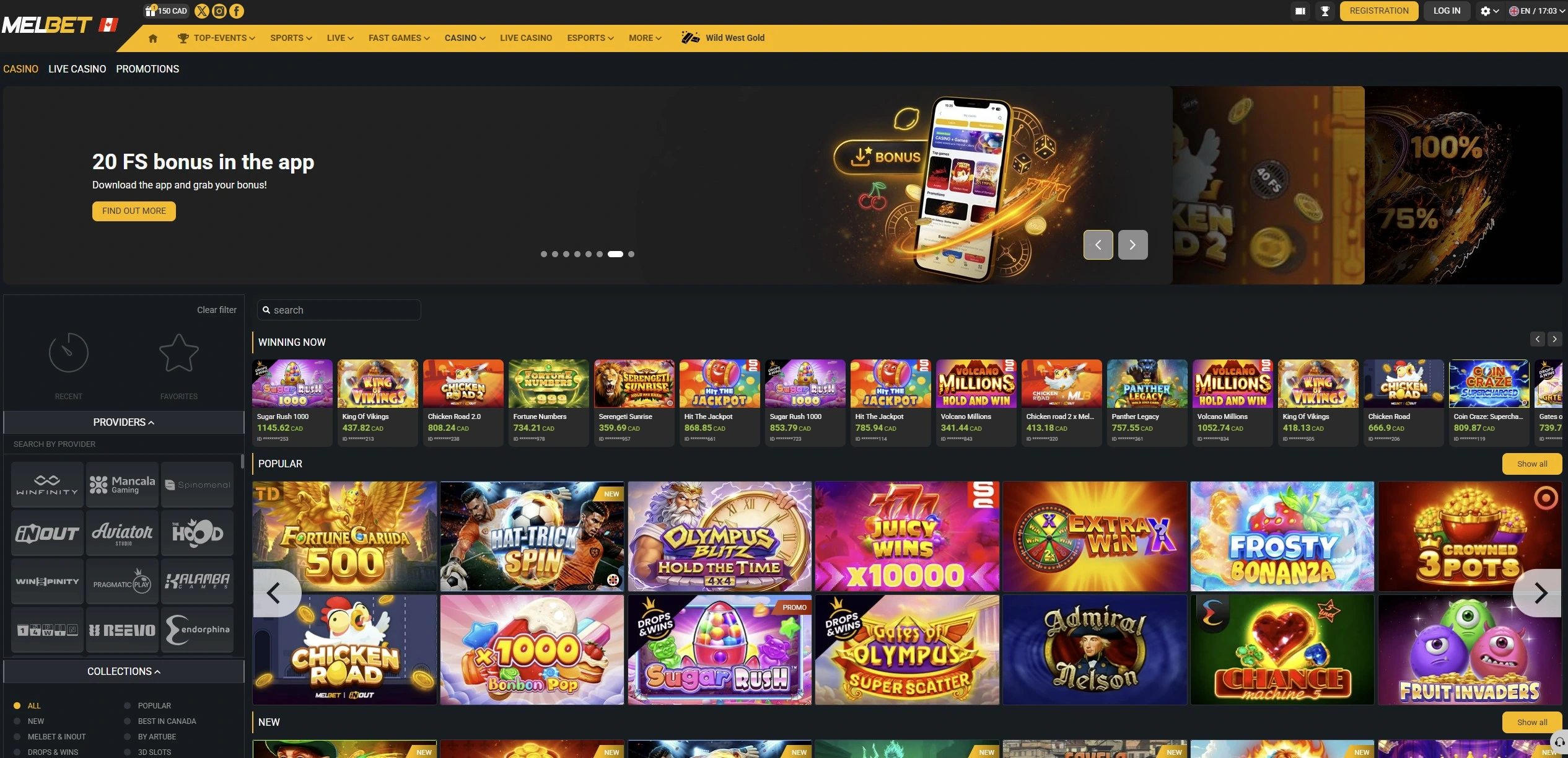
The archived lobby image shows a grid of casino titles below a wide banner. It is a useful map of the interface. Game tiles, navigation and promotional panels occupy different parts of that screen, even though a large banner can draw the eye first. The public Plinko listing is a separate source. If you use the lobby image as a reference, start by identifying the section of the site and then match the game itself against the title shown on its dedicated page.
Keep the distinction if you make notes for a side-by-side comparison. The evidence for a catalogue layout is a capture of the catalogue. The evidence for a specific title is the title page, game-information panel or rules supplied with the game. A logo and a row of thumbnails can establish the first point. For the second, a plain-text name paired with the developer or game identifier is more useful than cover artwork, which can change between sites or releases.
Imagine an older screenshot shows one casino collection near the top while the current menu gives the same area a different name. Record the path that actually led to the exact listing and the date you saw it. If there is another game with a similar name, note it as a separate entry until the provider and rules can be matched. That small habit avoids treating two different titles as interchangeable simply because both use a pyramid and a ball. It also gives you a cleaner starting point if a later catalogue update moves the title again.
What the game panel needs to tell you
On a compact game screen, look for the rules or information control before reading the numbers. The rules and the active board serve separate purposes. The help panel may explain what a stake or multiplier represents, while the board shows the choices currently selected. A guide can often describe a general mechanic from public information. Quoting an exact value requires the appropriate version and the relevant table in front of you.
| Multiplier | Gross return | Net change |
|---|---|---|
| 1.5× | 3 units | +1 unit |
| 0.75× | 1.5 units | −0.5 units |
A useful record pairs each value with the setting that produced it. Write down the row count, the risk label if one appears, and the landing cells from centre to edge. If settings are unclear, mark them as unclear in your notes. Two screenshots may look almost identical at a glance, but one could show a standard board while the other is using a different mode. A comparison with unknown settings can still identify the game’s visual layout. Leave the numerical comparison for a clearer source.
The numbers illustrate how to read a paytable. They give the gross credit and balance movement after accounting for the stake. Outcome frequency needs a separate source.
Reading the Melbet registration screen
The archived registration capture shows country and currency as separate fields, next to a choice about a welcome offer. Read the fields separately if you are trying to understand what a form is showing. The country line tells you which country the displayed form has selected at that moment. The currency line labels an account setting. An archived selection is a record of the form in those circumstances. It does not carry over as a statement about which choices are offered to a person in New Zealand.
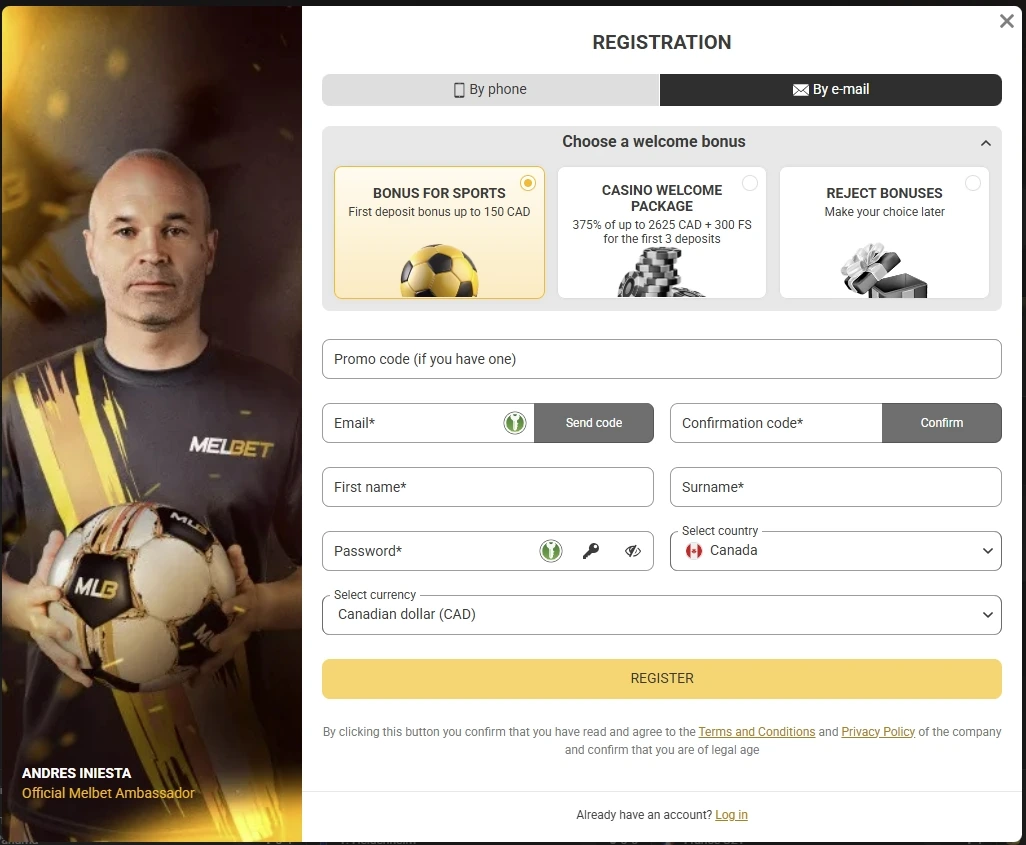
The figures you might later see on one screen can also refer to different things. A stake field shows what is at risk in a single round. A result history can record what that round returned. An account screen may list several balance types. A promoter’s claim about the size of an offer may concern yet another figure. Treat each as its own item. A single dollar sign or a large display number will not tell you which unit the game uses or how the operator categorises that balance.
For a practical example, suppose a screenshot contains a currency label beside a sign-up field and a big number over a welcome-offer tile. Someone sharing it might write that there is a payment or a game-specific credit available. Ask which terms would support that interpretation and where they identify this particular game. An archived choice between offer types is good visual context for understanding the form. Eligibility, contribution and withdrawal conditions would have to come from the applicable rules or reviewed account terms.
What the Melbet app image actually shows
The supplied mobile image is an archived download landing page rather than a view inside an installed app. Its design puts devices and download actions up front. That helps explain why a screen can appear mobile-specific before a game is running. When comparing a phone screen with the public game page, give more weight to the game name and its information panel than to any company branding on the download artwork.
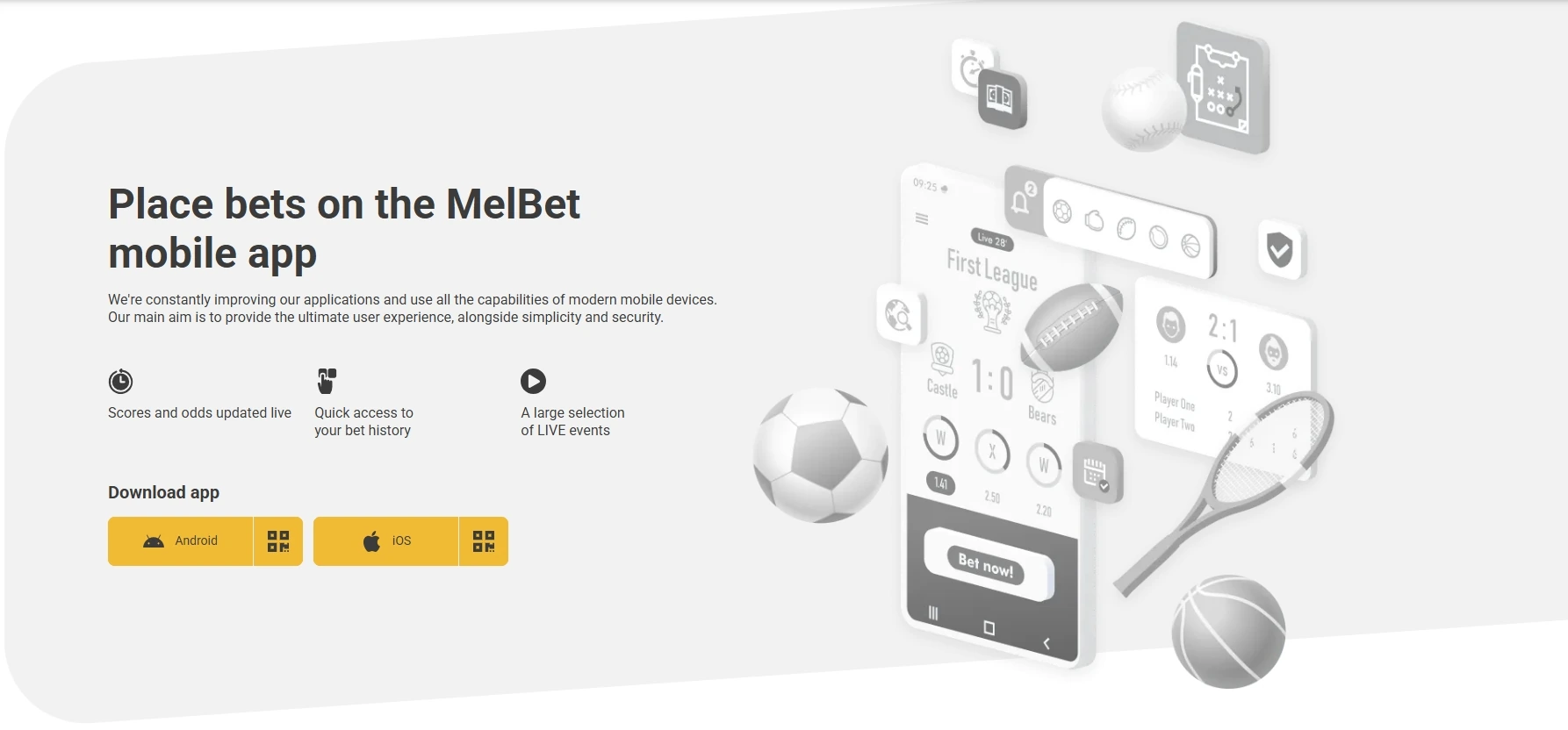
A mobile screenshot may also lose context through ordinary cropping. A short portrait capture can miss a provider label, a decimal point in a stake box or the outermost bins of the board. Expand the panel or look for the underlying help text if that is possible. For a simple reading test, ask whether a person who has never seen the site could tell which game, mode and stake unit the image shows. If the answer depends on an off-screen label, it is worth noting that the image leaves it open.
A separate issue is what happens during a connection hiccup. As a hypothetical example, suppose a game animation freezes after the round button is pressed. If the game later displays a round reference, a history entry or an account record for that time, that information is more useful than a frozen animation for working out what happened. Recording the time along with any visible reference gives you a way to describe the incident without assuming the animation itself was the final state.
Putting the public evidence in order
Start with the dated listing, then distinguish the operator’s description from anything you observed on an actual board. That order helps when a search snippet and an archived screenshot are the only records available. The snippet might give you a readable title, and the screenshot might help you recognise the lobby. Neither source gives the full paytable. Leave the missing part open or use a separate educational example that is clearly identified as a model.
Game addresses and catalogue groups
It is easy to read more into similar routing than the evidence allows. If a direct game page exists here and a dedicated category exists at another brand, the two routes can be compared as ways of finding information. The more useful side-by-side test is what comes after the title. Check whether each page provides the provider, the game help and a complete table under one identifiable configuration. With that information, a reader can check where any multiplier claim came from.
A record you can verify again
A concise comparison note might say that the game title appears in a public English listing, the lobby and forms are archived interface examples, and game configuration should be taken from current rules for the exact version. For a New Zealand reader, a separate source is needed for the local regulatory context. Keeping those layers clear lets you update a changed catalogue item in the future without rewriting descriptions of how the example arithmetic works or implying that your notes came from an account test.
Common questions
Does the public Melbet listing confirm NZ availability?
The public listing identifies the game. Consult DIA’s current New Zealand guidance when assessing local availability and approval.
Where could the same Plinko name appear?
A catalogue may use it for a dedicated game page or for a similarly named supplier title. Confirm the rules and provider in the exact game.
Sources
- Melbet public game listing · melbet.mobi/en/games/plinko
- Department of Internal Affairs · Information for online casino customers

New Zealand SEO and copywriting consultant.